
DDC Excel add-in · Windows
Excel add-in for Revit®, IFC and DWG data
Load a model into a sheet, then take off quantities, check parameters, find duplicates and build dashboards without leaving Excel.
Office 2013 or later, Office 365Windows 10/11248 MB zipno Revit or AutoCAD needed
By downloading you agree to the Terms of Use and EULA. Community licence: personal and research use. Ad-free and commercial licence: request a quote.
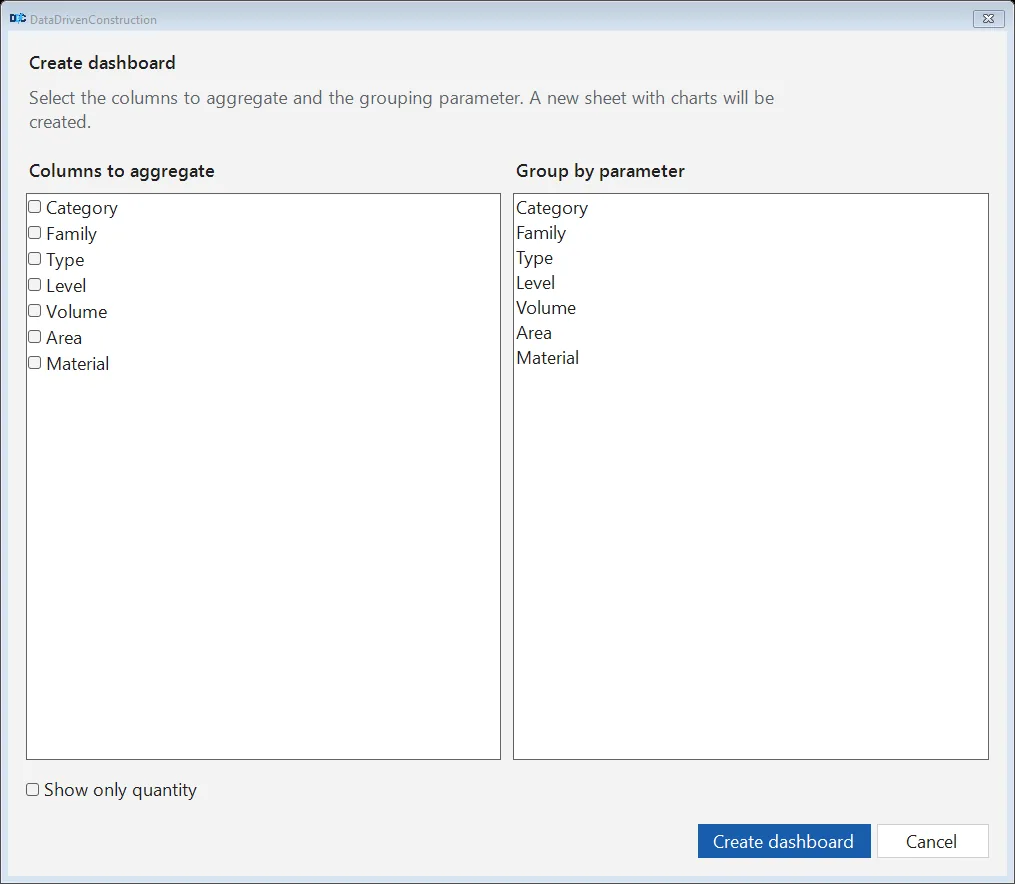
21 commands in five groups
Grouped by task. Import reads RVT IFC DWG through the DDC converters; everything after that works on the sheet.
| Group | Commands |
|---|---|
| ImportLoad a model into a project sheet |
|
| OrganiseTidy wide converter output |
|
| GeometryLook at the rows you filtered |
|
| AnalyseChecks and take-off |
|
| ExportHand the sheet to other tools |
|
Requirements
Pick the download by the bitness of Office, not of Windows.
- Windows
- Windows 10 64-bit or Windows 11
- Office
- Microsoft Office 32 or 64-bit, 2013 or later, or Office 365
- Runtime
- VSTO; VSTO installer if Excel does not show the DDC tab
- Model size
- suited to files of roughly 200 to 400 MB
- Downloads
- DDCExcel-Free-x64-Office64bit2025.2.1_v29092025.zip (248 MB), DDCExcel-Free-x64-Office32bit_2025.2.1_v29092025.zip (248 MB)
- Not supported
- Excel for Mac, Excel on the web, DGN input (use DGN to Excel first)
Reviews of the add-in
BIM coordinators and managers at Merks, Esttareal solutions and Consolidated Contractors Company
This is a fantastic tool, haven't seen one like this in a long time. In this era, we have countless tools and methods for creating models, drawings, tables, and other forms of data. The DDC Excel plugin provides me with the capability to manage information in alternative ways.
 Jānis DzenisBIM Coordinator, Merks, SIA
 DataDrivenConstruction Excel Add-In is a wonderful additional tool to help extract data from CAD (BIM) Revit, IFC, DWG files in order to move forward with information validation processes in your workflows. Additionally the possibility to turn the long complex Excel file into easily human-and machine-readable files keep the Add-In modern and compatible with recent developments within IT. As we move forward in the industry it is crucial to think about diversity of data and how to find the most suitable outputs in order to keep said data valuable, up to date and usable. An influential tool with a user-friendly interface helping the construction industry move towards the future!
 Marie Annette KittusBIM Manager, Esttareal solutions
 DDC converter and Plugin is a fantastic and helpful tool for visualisation and quantification the meta data from Revit. Thanks for sharing such helpful tools!
 Abdelrahim (Mohamed) DeghidyBIM Manager, Consolidated Contractors Company
 Questions about the add-in
Which Excel versions are supported?
Microsoft Office 32 or 64-bit, 2013 or later, or Office 365, on Windows 10 64-bit or Windows 11. Download the build that matches your Office bitness.
How do I know if my Office is 32 or 64-bit?
In Excel open File, Account, About Excel. The first line ends with 32-bit or 64-bit.
Does it work on Mac?
No. The add-in uses VSTO, which runs only in Excel for Windows.
Do I need Revit or AutoCAD?
No. The add-in uses the DDC converters to read RVT, IFC and DWG files.
Can it read DGN files?
Not directly. Convert DGN with the DGN to Excel converter and open the XLSX in the add-in.
Ad-free or company licence for the add-in?
Write to info@datadrivenconstruction.io, use the contact form or book a call. Artem Boiko or an engineer from the DDC team replies by e-mail.